
Modular Interact System
Project Duration: 3 Weeks
Introduction:
The goal of this project was to make an Interaction System that could be implemented into any project and support objects with any number of possible interactions.
The possible interactions on an object would be listed for the player to select, and the system was built to handle context based situations such as the player being crouched unlocking more interact options.
Every part of this project was specifically built to act as a tool that other designers could pull from to use in their own projects and speed up production.
My Role:
Gameplay Systems Designer
Key Contributions:
Interact Manager- Designed and built system for characters to track possible interactions and prioritize them.
Interaction System- Developed system that when integrated allows designer to script any number of interactions onto a single object.
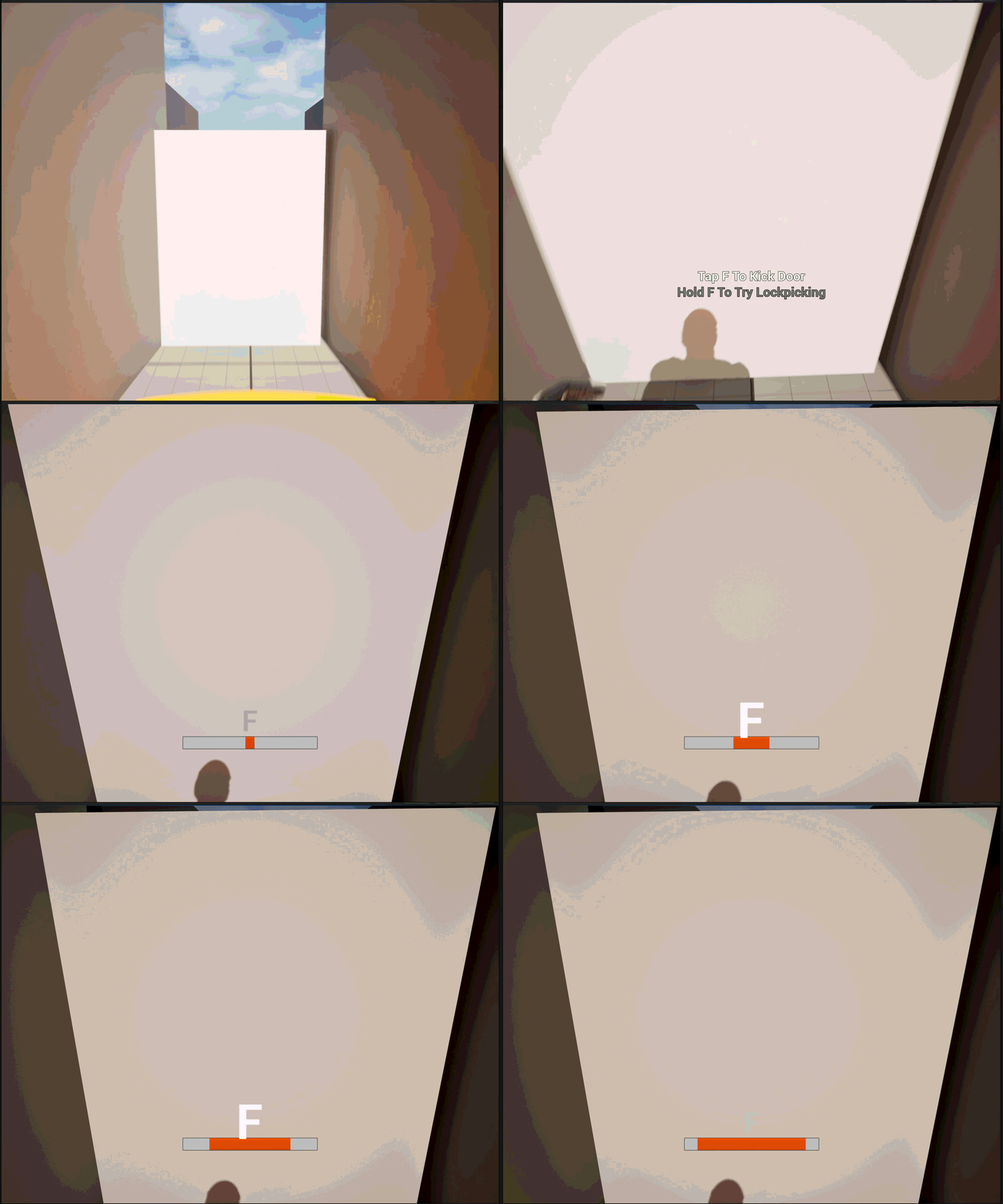
UI Design- Created UI to support players being able to scroll and select their desired interaction, and for interactable objects to provide feedback to players.
Tools Used:
Unreal Engine 5
Unreal Engine Blueprints
GitHub
Epic Forums (Documentation)
In Further Detail
Interact Manager:
My thought process when building the Interact Manager was that this would be the hub for all player input and tracking all our possible interactions.
The system works by first tracking if the player is looking at an object that implements the Interactable Interface.
If they are looking at one, and there are valid interactions that can occur then this is set to the highest priority interactable
The system will also track if the player is overlapping any objects that implement the Interactable Interface.
If they are, and not looking at any object, the nearest overlapped object with valid interactions will be set to the highest priority interactable.
Once the highest priority interactable has been identified, the manager will make a list of all the valid interactions that can occur with the object and from that list the player can begin an interaction.
This framework provides designers with a prebuilt system that handles the most common way players will expect 99% of all interactions to work. For events like a triggered QTE the triggering object can simply set itself to be the manager’s highest priority interactable and immediately call the manager to begin interacting with it.
Interaction Interface:
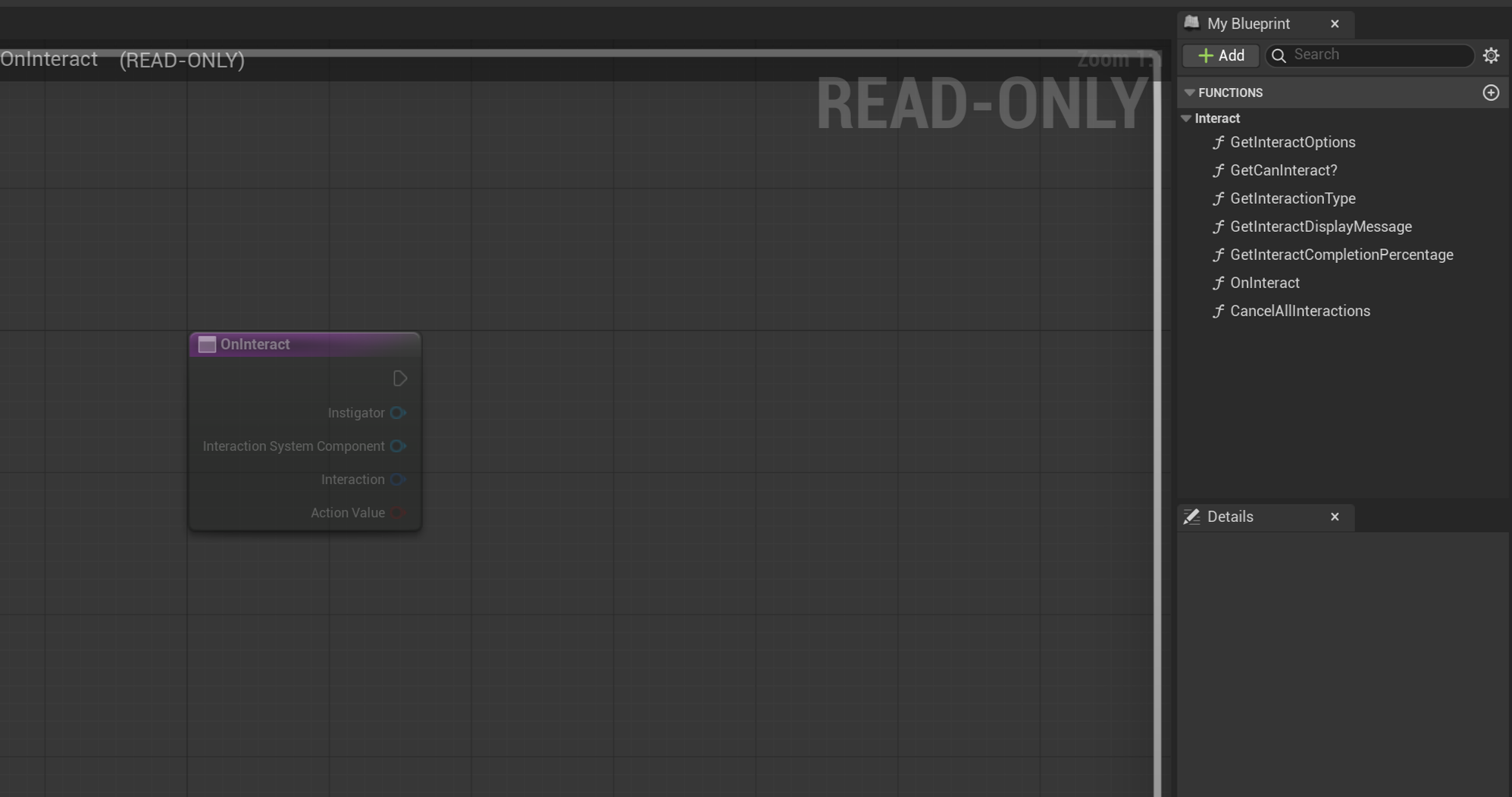
My thought process when building the Interaction Interface was that this system would need to be able to be implemented on every object that would be interacted with, and be able to share as much information as possible with other Blueprints to allow the system to better interact with other gameplay systems.
The Get Interaction Options function provides a list of all Gameplay Tags that are used to build interactions by the object.
The Interaction Manager then uses the Gameplay Tags to call other functions like finding if an object is interactable and getting its display message. When the Interaction Manager calls these functions on the Highest Priority Interactable, it will feed the function a Gameplay Tag from its list to query against. The function will then switch itself to handle code based on that tag.
This allows designers to easily expand objects interactions as the only changes they need to make are adding a new tag, and expanding the existing query functions and events to include code based around that tag.
My Biggest Challenge:
The Best Way To Label Interactions For Query
A big issue I ran into was thinking through how to handle listing all the interactions an object should have. Integers were out the door immediately as tracking the interactions with numbers can get messy.
Next came the idea to implement the system using ENUMS or Strings. This was also not viable as Strings left the system too exposed to error through misspelling, and inconsistency in implementation. ENUMS would work well but building switch cases based off a large ENUM can also get quite messy as the switch in Blueprints would always show all the possible ENUM options.
I finally concluded on using Gameplay Tags as I would be able to ensure consistent language across every interactable object, and not have massive blueprint nodes as I could set the Gameplay Tag switch to only include a default node and all the interactions that the object actually utilizes.